Build a website with Claude
Ask Claude for a website. Get a real one, online.
A real example: Petal & Stem
You, message 1
Use LazyFrog to build a website for my flower shop, Petal & Stem, in Bristol. I'd like a home page with a short story about us, a gallery of our arrangements, our opening hours (Tuesday to Saturday, 9:00 to 17:30) and a contact form for orders and enquiries.
Claude: Read LazyFrog's guide, made a project with a private preview, proposed three looks for the shop and wrote a short plan. Then it asked three questions (which look, how to hear about new orders, whose photos) and waited. Nothing was built yet.
You, message 2
1a, 2c. For the gallery, use stock flower photos for now. This is an example site, so add a small note at the top saying it's an example made with Claude on LazyFrog and not a real shop, and leave out an address and phone number. Write the story yourself. Looks good, go ahead and build it.
Claude: Applied the chosen look, picked six licensed stock photos, wrote the page and a short story, and made the form save each order in the site's own database. Then it checked the page at phone, tablet and laptop widths, fixed what the check found, and tried the gallery and the form in a real browser.
You, message 3
It looks lovely. Publish it.
Claude: Ran a test publish, then published, and checked the live site.
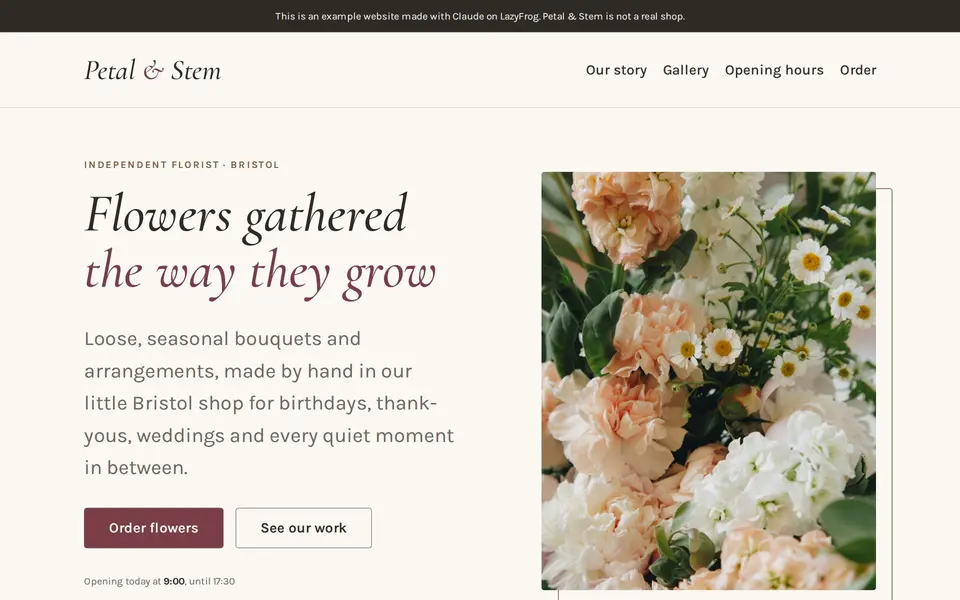
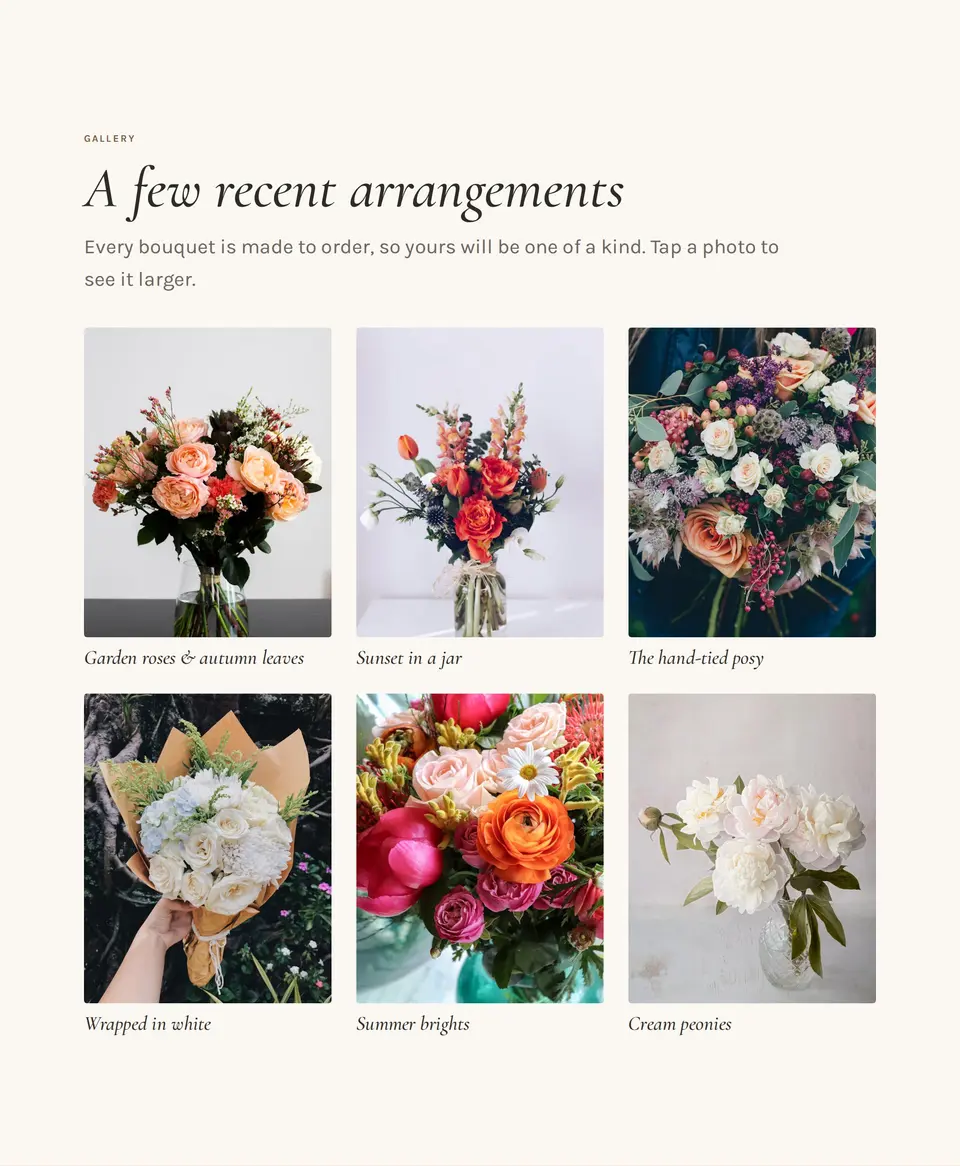
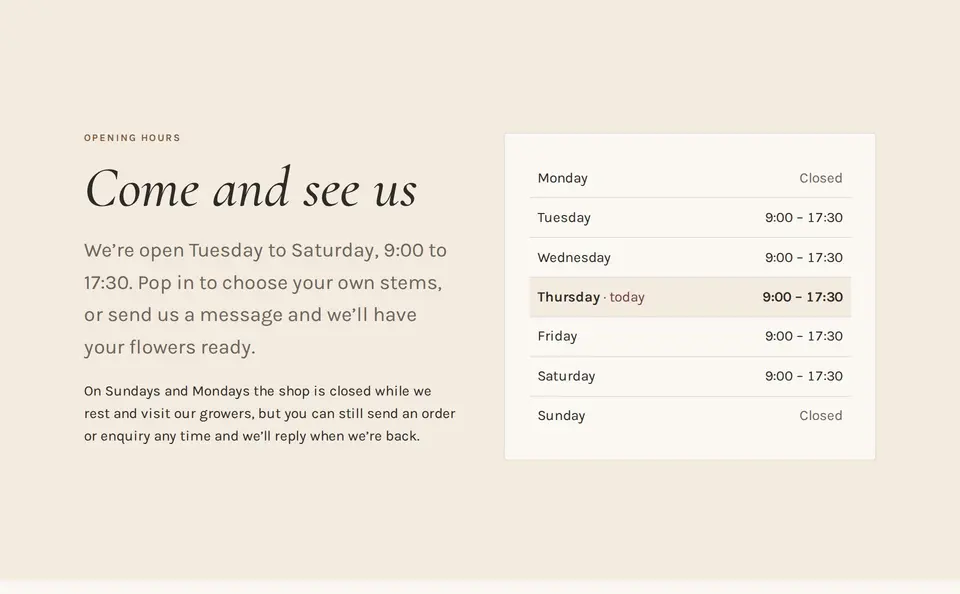
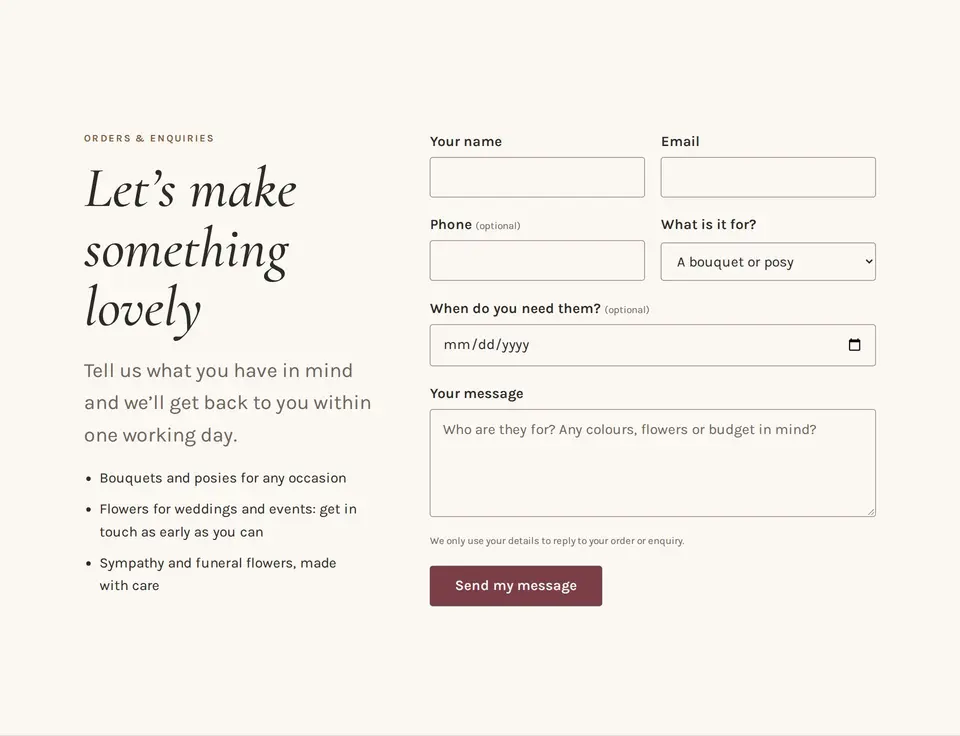
Screenshots of the live site. The photos are licensed stock photos Claude chose, until the shop sends its own. Made in Claude Code, Anthropic's coding app; on claude.ai, Claude Desktop and the Claude phone app it works the same way, through the same LazyFrog connector.
How it works
- 1.Connect LazyFrog to Claude once. In Claude's settings, add a custom connector with LazyFrog's address and sign in (the steps). It works on Claude's free plan as well as Pro and Max.
- 2.Ask for your website in your own words. Claude asks the few things only you know, shows a short plan, and waits for your yes.
- 3.Check the preview, then say “publish”. The preview has its own private address while you build. Publishing puts the site at name.lazyfrog.app, or at your own domain.
What you get that a chat alone can't give you
- A real address: name.lazyfrog.app, or your own domain.
- Forms that work: every message is saved in your site's own database, and you see it in your LazyFrog account or get it by email.
- A database for anything that keeps data, such as bookings, orders or members.
- Undo: every change is recorded, and Claude can go back to an earlier version.
- Changes later, the same way: open a new chat and ask, for example “change the opening hours”.
- Code that's yours: a git repository you can take anywhere.
Already made something in a Claude artifact? Turn it into a real website.
What it costs
- Building and trying is free: one project with a database and a preview. Free has no live site.
- Publishing starts with Hobby at $9 a month (excluding VAT and sales tax): 3 projects, a live site and your own domain. Pro is $29 and Business $79.
- LazyFrog never charges for Claude's work and sells no AI credits. Building uses your Claude plan's usage, like any chat.
Good to know
- There is no editor to learn. Claude does the building, and you change things by asking.
- Claude doesn't take photos. It uses your own photos or licensed stock photos, and can draw simple icons and illustrations.
- Read what Claude wrote about your business before you publish, and send it the real details.
- A site with no visitors sleeps after 15 quiet minutes and wakes in a few seconds. Hobby keeps one live site always on.
Questions
- Do I need to know how to code?
- No. You describe the website in your own words, Claude writes the code, and you check the result in the preview. To change something later, you ask Claude in a new chat.
- Which Claude plans work?
- Claude's free plan works, because it allows one custom connector, and so do Pro and Max. On a Team or Enterprise plan, an owner adds LazyFrog for the organisation first. Claude's own usage limits apply as in any chat.
- Is LazyFrog a website builder like Wix or Squarespace?
- No. There is no editor to learn: Claude does the building, and LazyFrog is where the website lives, with its preview, its database, its address and its undo. You change things by asking Claude.
- Can I use my own domain?
- Yes, from the Hobby plan. Buy the name anywhere you like, and Claude tells you the records to add where you bought it. Your site is also always at name.lazyfrog.app.
- What if Claude breaks something?
- Nothing goes live until you say publish. Every change is recorded, so Claude can undo the last one or go back to an earlier version of the code, the data and the files.
- Can I take my website somewhere else later?
- Yes. Every project is a git repository you can clone, and an export carries your data and the steps to run it anywhere.
- Is the Petal & Stem example real?
- The website is real: Claude built and published it on LazyFrog on 12 November 2026 from the three messages shown on this page. The shop is made up, and the site says so at the top.