How it works
Your AI does the building. LazyFrog does everything else.
What's connected to what
Your AI
Claude, ChatGPT or Codex, on your phone or computer, under your own plan.
LazyFrog
Checks who is asking and what they may do, keeps a record and takes a snapshot before anything risky.
- Who's asking
- A record of every step
- A snapshot first
Your workspace
A private space with your app, its database and files, a preview and a live site.
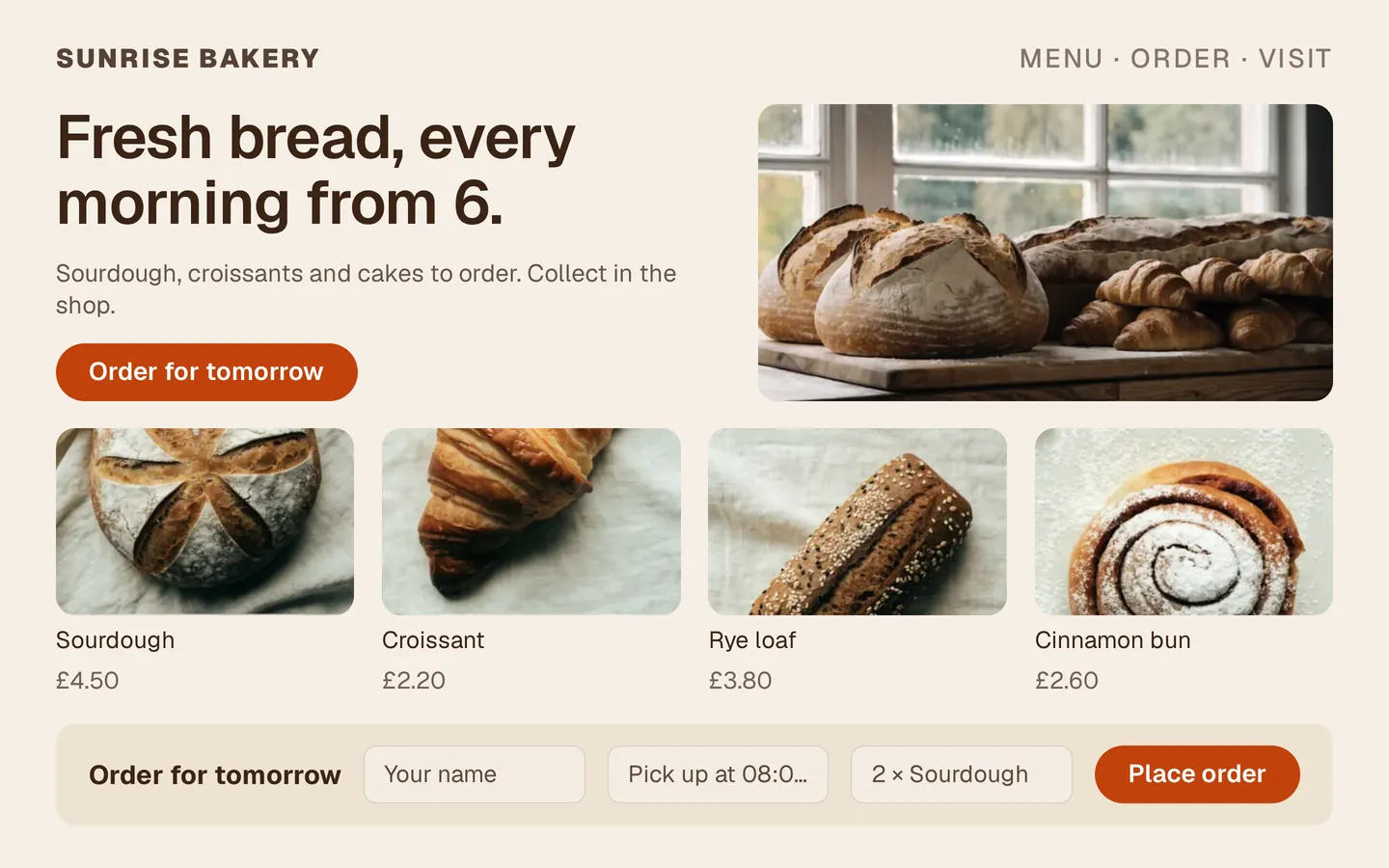
The path from a chat to a live site
- 1
Connect
Add LazyFrog to your AI once. It takes one link and one sign-in, and works on the web, the desktop and your phone.
- 2
Build in the preview
Your AI gets a private space with a database and files. It builds the app there while you watch the preview, at an address only you know.
- 3
Publish
On a paid plan, say “publish it” or tap Publish. LazyFrog checks the new version first and only then makes it live. Visitors never see any downtime. Free is for building and trying in the preview.
- 4
Your domain
On a paid plan, connect a domain you own. LazyFrog shows exactly which records to add at your provider, and HTTPS is ready before any visitor arrives.
- 5
Undo when you need it
Snapshots are taken every hour and before anything risky. Go back to any of them, for just the code, just the database or everything.




What you see in the portal
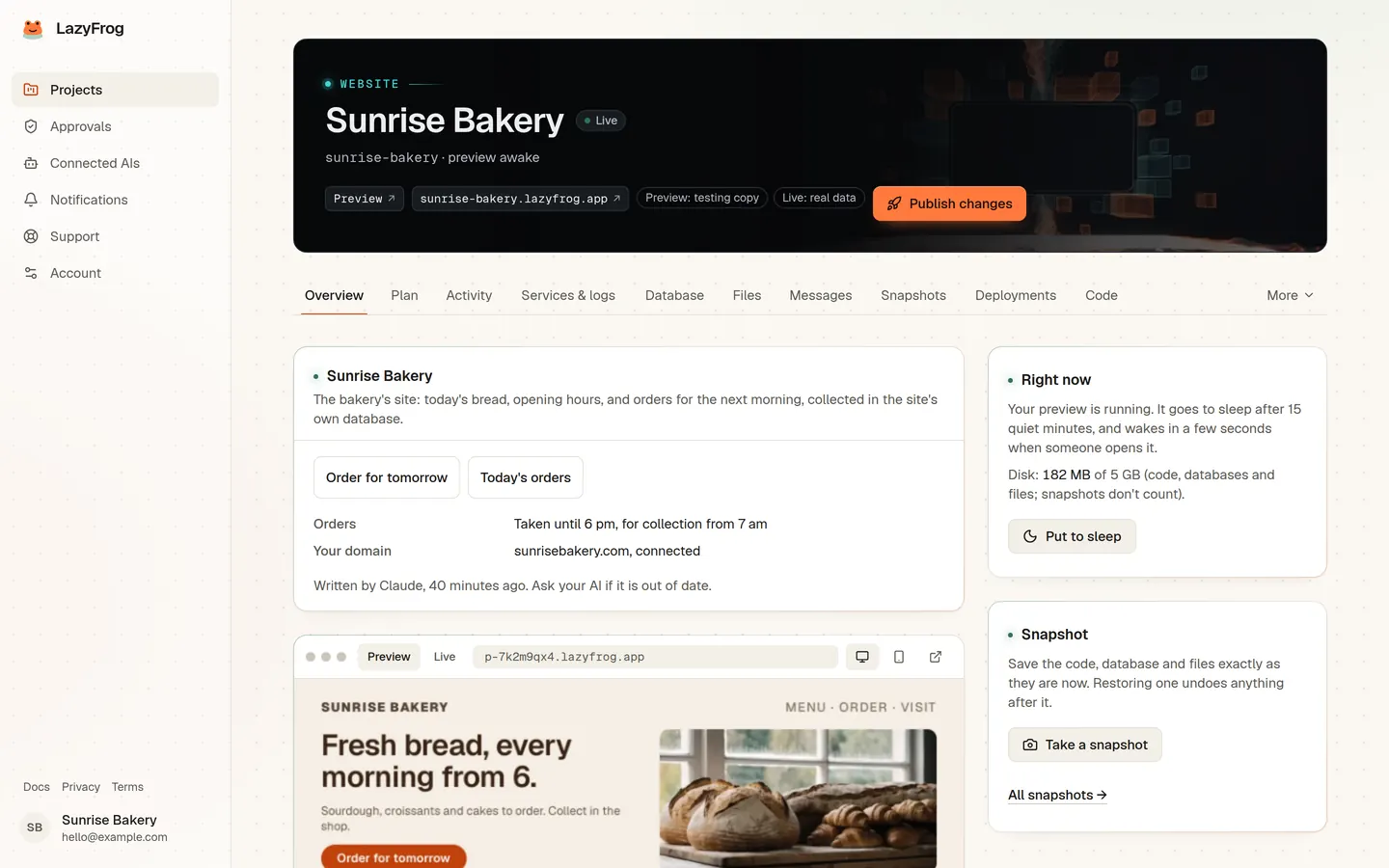
Activity
Every step your AI took, live, in plain words.
Preview and live site
Both addresses, awake or asleep, and a Publish button.
Database and files
Your tables and rows, uploads and downloads.
Snapshots
Every restore point, with one-tap restore.
Deployments
Every publish, and rollback in seconds.
Security
A scan that suggests fixes to hand your AI, and checks that the live site hasn't been tampered with.
Questions
- Do I need to code?
- No. You describe what you want and react to what you see. Your AI writes the code and LazyFrog runs it.
- Whose AI is it?
- Yours. It's the AI you already use, such as Claude or ChatGPT. LazyFrog gives it tools to build and run apps. It doesn't add an AI of its own or charge for your AI's work.
- What can it build?
- Websites, shops, booking systems, dashboards and internal tools. They can have logins, a database, payments, email, uploads and background jobs.
- Can I see what my AI did?
- Yes. Everything it does appears in the portal's activity stream as it happens, with what changed. If you like, risky actions can wait for your approval.